Paul M. Jones

Don't listen to the crowd, they say "jump."

Solar 0.24.0 Released

Last night, I released version 0.24.0 of Solar, the simple object library and application repository. Solar is a PHP 5 framework for rapid application development.

On an administrative note, Clay Loveless has set up a Trac installation for us, so now you can report bugs and request enhancements without having to join the Solar-Talk mailing list. You can keep up with the Trac issues via the Solar-Trac mailing list if you like.

You can read the change notes for a full run-down, but there are a few changes in particular that I want to highlight.

Solar_Request

In previous releases, the Solar arch-class had a series of methods to read from the superglobals: Solar::post(), for example, would read a $_POST key and return it (or a default value of your choosing if the key did not exist). Those methods and their related support methods have been removed from the arch-class and placed in their own class, the new Solar_Request.

For now, Solar_Request acts as a singleton, since it is tied back to the super globals. Future releases will convert it to a true standalone object, and classes that need access to the request environment will receive a dependency injection of a Solar_Request object.

Whereas you would have used Solar::post() in earlier versions of Solar, you now create a Solar_Request object and use the $request->post() method. Solar_Request provides access to these superglobals after some minimal filtering (essentially just stripping magic quotes):

  • get() -- $_GET
  • post() -- $_POST
  • cookie() -- $_COOKIE
  • env() -- $_ENV
  • server() -- $_SERVER
  • files() -- $_FILES
  • http() -- ...

Wait a minute, there's no "HTTP" superglobal! One of the things that Solar_Request does for you is some basic cleaning and normalizing of the $_SERVER['HTTP_*'] values into their own storage array, so you can ask for the HTTP headers directly. For example, to get the value of the "X-Requested-With" header, ask for $request->http(‘X-Requested-With').

Solar_Request also lets you check how the current request was made:

  • isGet() is true if this was a GET request
  • isPost() is true if this was a POST request
  • isPut() is true if this was a PUT request
  • isDelete() is true if this was a DELETE request
  • isXml() is true if this was an XMLHTTP request (Ajax!)

Many thanks to Clay Loveless for getting Solar_Request up and running.

Solar_Session

Similar to Solar_Request, Solar_Session (here) provides an interface to the $_SESSION superglobal. It also takes over for the previous Solar_Flash class by providing read-once "flash" support via the $_SESSION values.

In Solar, we aggressively segment the global name space so that different classes don't step on each other's toes. Solar_Session makes this segmentation easier, by providing a config key to tell the particular instance what class name space it should be working within the $_SESSION array.

Progressive Ajax Enhancement

It's not much, but I've added the tiniest bit of Scriptaculous enhancement to the reference application that comes with Solar, Solar_App_Bookmarks. In the "edit" view, instead of using a simple class to indicate success or failure of a save, I've put in a pair of effect calls:

// output a form from the "formdata" processor
echo $this->form(array('id' => 'form-bookmark'))
      ->auto($this->formdata)
      // ...
      ->fetch();

// add an effect for success message lists
$this->jsScriptaculous()->effect->highlight(
    "#form-bookmark ul.success",
    array(
        'duration' => 3,
        'endcolor' => '#aaaaff',
        'restorecolor' => true,
    )
);

// add an effect for failure message lists
$this->jsScriptaculous()->effect->highlight(
    "#form-bookmark ul.failure",
    array(
        'duration' => 3,
        'endcolor' => '#ffaaaa',
        'restorecolor' => true,
    )
);

That's all it takes. Again, Clay Loveless has done wonderful work with his JavaScript helpers for Solar.

Zend PHP 5 Certified

I just got a note from Dhwani Vahia that I passed the Zend certification exam for PHP 5. Woohoo! :-)

Many thanks to the folks at PHP Architect for making the test available free of charge at php|works. That's twice now I've been able to take it on their dime (although the test in Cancun last May was a lot more fun, for obvious reasons ;-).


AJAX Is Interesting, But The Basics Are Better

I had the good luck to share a cab back to the airport with Wez Furlong after php|works. Wez had presented a new talk about how to work with email properly (jokingly subtitled "Not PDO" by everyone there), and was curious to know how it was received. I replied that I liked it, but struggled for a moment on "why" ... and then it hit me: the reason I liked it was that it was about a fundamental operation that still seems to trip developers up regularly.

Although I told Cal Evans when he interviewed me that the next technology I'm really interested in is AJAX (particularly its implementation in Protaculous), I'm not as excited by it as everyone else seems to be. I think it's neat, but good grief, if wide swaths of developers can't do input filtering properly, what good can adding AJAX do? Get the basics right first, then you can do progressive enhancement as you go.


Teaser for php|works

I've noted before that I'll be presenting at php|works in a couple of days; it's in the 4-5pm slot on Wednesday (13 Sep). The synopsis is public, but I wanted to give a little teaser about the presentation, in hopes of drumming up greater attendance. The talk is titled "Organizing Your PHP Projects", and the subtitle is "Project Planning in One Lesson."

Fans of Henry Hazlitt's "Economics in One Lesson" will recognize the kind of talk I have in store, although I don't have the time available to expound in detail the way Hazlitt does. The talk will consist of a one-sentence lesson for you to remember when deciding how to organize your PHP project, whether it's a library, an application, a CMS, or a framework. I'll then explain how to apply the One Lesson in your project, and the various follow-on effects the One Lesson will have on your project organization.

Also, I can guarantee that I will be the only presenter to provide examples and analogies using such sources as livestock, Jimmy Hoffa, and the Mir space station in a relevant and entertaining fashion. ;-)

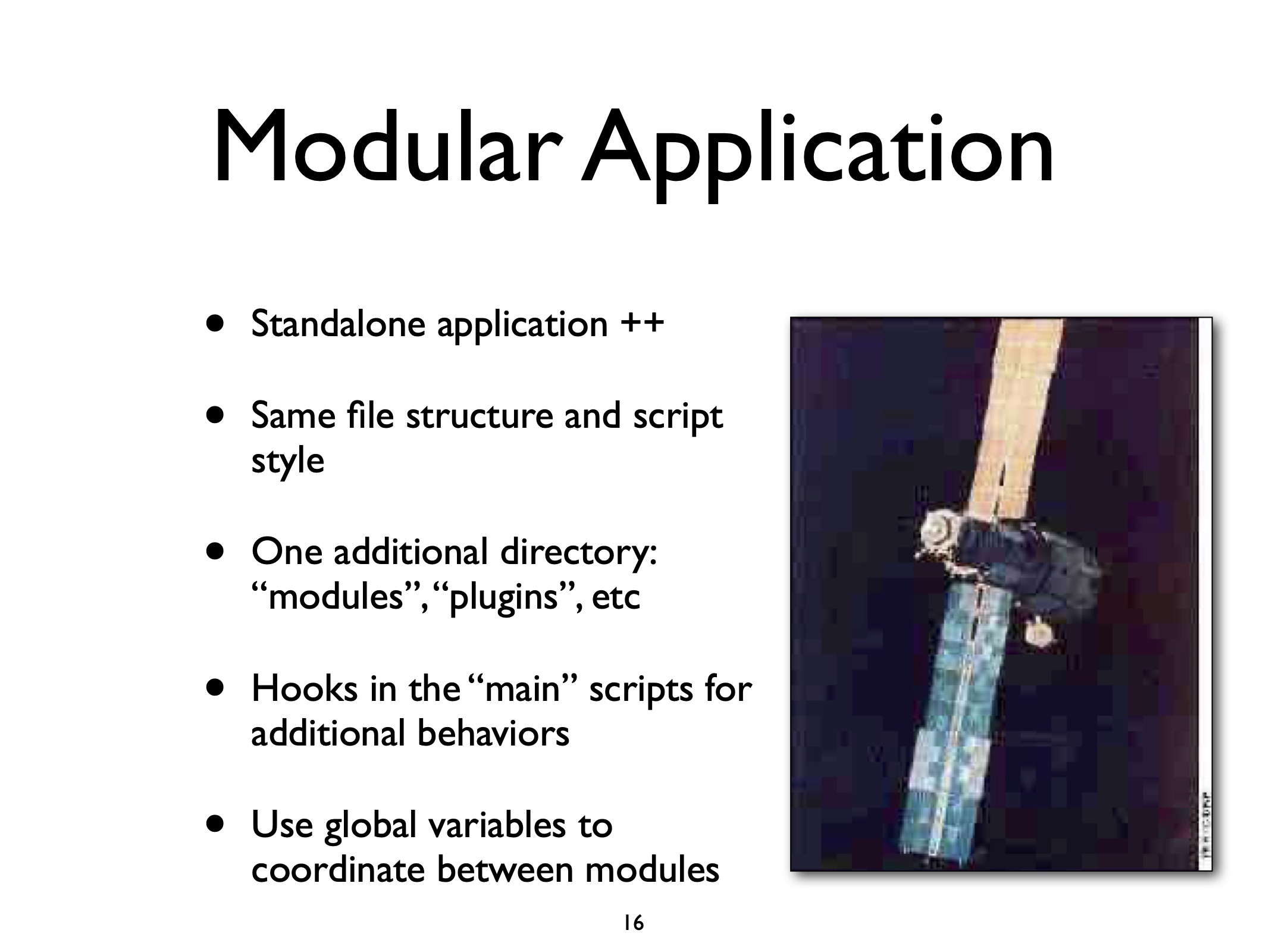
Finally, as part of the research for this talk, I examined 40+ public PHP projects, and found a few distinct organizational patterns that I'll give in some detail. Among other things, you will learn exactly what the difference is between a framework and a CMS, and how they got to be that way. Here's one of the core slides on that part of the talk:

See you at php|works!

UPDATE: (2006-09-14) The slides from my talk are now available as a PDF file. (I'll create an audio version of the presentation after I get back from the conference.)


Solar 0.23.0 Released

The new release is out; you can download it from the usual location. As always, you should read the full change notes.

This release of Solar includes new Prototype and Scriptaculous ("Protaculous" ;-) Ajax support in the form of view helpers, ext/json compliant JSON support, and a new plugin-aware Markdown engine. Read on for more.

Breaks

There is one backwards-compatibility break in this release. Previously, the Solar_View::partial() method would output the results of the partial template directly. Now it just returns the results. This means that you need to change all calls from $this->partial(...) to echo $this->partial(...). This change makes the partial() method act like all other view helpers.

Protaculous Ajax

Clay Loveless has been hard at work adding view helpers that interface to the Prototype and Script.aculo.us JavaScript libraries. (I have taken to calling this popular combination “Protaculous”. ;-)

These JavaScript packages provide all sorts of Ajaxy Web 2.0 buzzword-compliant goodness, but you generally need to access them in JavaScript directly. Clay’s view helpers for the Control and Effect libraries of Scriptaculous let you access them via PHP. The helpers keep track of what effects and requests you make, and load all the necessary files for you automatically.

Clay has built the helpers so they use “unobtrusive JavaScript”. This means that you address HTML elements using CSS selectors instead of using inline scripts on elements.

To show off some of the possibilities, Clay has added a new demo app under Solar_App_HelloAjax.

JSON Support

Clay Loveless has also added a new Solar_Json class for encoding and decoding JavaScript object notation; this helps when passing data via Ajax requests. (The work is based on code from Michal Migurski, Matt Knapp, and Brett Stimmerman, in their Services_JSON package.)

Although full JSON support will exist in a future version of PHP, this class will help users who need the functionality right now. (Clay has gone to a lot of effort to make Solar_Json behavior functionally identical to the upcoming PHP JSON extension.)

Many thanks, Clay, for your continuing efforts on this portion of Solar.

Markdown

Markdown is a simplifed syntax and text processor that converts structured text markup to XHTML, written by John Gruber. PHP-Markdown is a direct port of Gruber’s original Perl code to PHP 4 (and non-strict PHP 5) by Michel Fortin. Now the same text-processing capability exists in Solar as Solar_Markdown.

The major benefit of the Solar version over previous implementations is that it is “plugin aware”, much like the PEAR Text_Wiki package. Each syntax rule is a separate class; you can mix and match syntax rules to fit your particular needs without having to rewrite the entire processing and rendering engine.

Solar now comes with three Markdown rule sets:

  • Solar_Markdown proper, an implementation of the original markup rules in the Perl and PHP versions. It provides for headers, lists, strong and emphasis, links and inline URIs, code examples, and much more. In general, it leaves HTML in place, so it may not be suitable for untrusted or anonymous environments.

  • Solar_Markdown_Extra, an implementation of Michel Fortin’s PHP-Markdown Extra that extends the basic Markdown syntax to support tables, definition lists, and id-able headers.

  • Solar_Markdown_Wiki, which provides Mediawiki-style page links, interwiki links, and code documentation constructs, in addition to tables and definitions lists from the Solar_Markdown_Extra rules. It is very aggressive about escaping HTML for output, which makes it more suitable for untrusted environments.


Birthday Dinner

My good friend Benito recently treated me to a spectacular birthday dinner (a week in advance of the occasion I might add). Dude, thanks again; that ribeye, and the fresh Brandy Boy tomato off the vine, was just stunning. And the wine! Mmm mmm.

This reminds me of one of my favorite dumb jokes.

Q: When's your birthday? A: August 8.

Q: No, I mean, what year? A: Every year. (ba-dum ching ;-)


Solar and TypeKey Authentication

As astute observers will have realized, the most-recent release of Solar had a new authentication adapter in it: Solar_Auth_Adapter_Typekey.

This particular class comes from work I'm doing at my current employer, Mashery. The Mashery folks are very open-source friendly, and approve of contributing back to useful projects, so I want to go out of my way and thank Mashery explicitly for this. (Thanks Mashery!)

Likewise, the core code in Solar_Auth_Adapter_Typekey comes directly from the PEAR Auth_TypeKey work by Daiji Hirata (which strangely has not been accepted yet at PEAR; their loss is Solar's gain). Thanks, Daiji, for contributing this code to Solar!

In this article, I'm going to talk a bit about Solar authentication in general, and then TypeKey authentication in specific.

Solar Authentication

Solar uses a facade class for authenticating users, Solar_Auth. That class acts as an interface to one of many underlying adapter classes that point to a backend storage service, such as an Apache htpasswd file, an SQL database table, an LDAP server, and so on. Anyone familiar with PEAR Auth will be familiar with this style of operation.

Let's instantiate an authentication object that uses the "htaccess" adapter, and start an authenticated session:

<?php
    $config = array(
        'adapter' => 'Solar_Auth_Adapter_Htaccess',
        'config' => array(
            'file' => '/path/to/htaccess.file',
        ),
    );

    $auth = Solar::factory('Solar_Auth', $config);

    $auth->start();
?>

Note: if you use the Solar.config.php file to set defaults for the Solar_Auth and Solar_Auth_Adapter_Htaccess classes, you can skip setting $config altogether and just call Solar::factory('Solar_Auth').

The start() call does a lot of work for you. By default, it checks $_POST for a series of variables indicating a login or logout attempt (and processes them according to the backend adapter). It also updates the idle and expire times of any currently authenticated user.

Note: the authentication process is highly configurable; at construction time, you can specify to use $_GET or $_POST, what variable indicates a login or logout attempt, the variable names for handle and passwd, the idle and expire times, and much more. See the page on config keys here.

You can check current authentication information this way:

<?php
    $auth = Solar::factory('Solar_Auth');
    $auth->start();

    // is the current user authenticated?
    $auth->isValid();

    // what is the current status code?
    //
    // 'ANON'    : The user has not attempted to authenticate
    // 'WRONG'   : The user attempted authentication but failed
    // 'VALID'   : The user is authenticated and has not timed out
    // 'IDLED'   : The authenticated user has been idle for too long
    // 'EXPIRED' : The max time for authentication has expired
    //
    $auth->status;

    // what's the current username?
    $auth->handle;

    // some adapters report the user's email address,
    // display name ("moniker"), and/or website URI.
    $auth->email;
    $auth->moniker;
    $auth->uri;

    // when did the user initally sign in, and when was the
    // last activity in this session?  reported as a unix
    // timestamp.
    $auth->initial;
    $auth->active;
?>

Of course, the user has to type this information into a form somewhere on your website. Here's a very simple example form:

<form action="index.php" method="post">
    <p>Username: <input type="text" name="handle" /></p>
    <p>Password: <input type="password" name="passwd" /></p>
    <p><input type="submit" name="submit" value="Sign In"/></p>

</form>

You can see a more complex authentication form that shows current status, handle, etc. here.

About TypeKey Authentication

TypeKey is an authentication service provided by the folks at Six Apart. The idea is that instead of signing up for a user account at every website you want to authenticate to, you can sign up for one account at TypeKey. Then other sites can check if you have been authenticated to a TypeKey account. This has a lot of obvious benefits for users (like having to remember only one password) and site owners (not having to maintain accounts).

The problem with TypeKey authentication is that, as far as site owners is concerned, it's vastly different from "standard" handle + passwd authentication. Instead of the user typing their username and password credentials into your site, you just show a link to the TypeKey website. The user presents his credentials to TypeKey, not to your site; TypeKey then redirects to your site again and sends a pack of information for you to verify.

You can read more about the authentication process at the TypeKey API page; you will see that it's a lot more complicated that just checking a username and password against a data store. This leads to an interesting problem for adapter-based authentication systems; it means that you have to abstract two different styles of authentication algorithms, not just one. Lucky for us, the Solar_Auth system is abstracted well enough to handle this. :-)

Pre-Requisities

First, because of the DSA encryption algorithm used in processing TypeKey authentication signatures, PHP has to have been compiled with either bcmath (--enable-bcmath) or the GMP extension (--with-gmp). These extensions provide the large-integer math functions necessary for decryption processing.

Next, you need a TypeKey account and the related "token" from that account to identify your website (the one where users will return to after authenticating with TypeKey).

And of course, you need the latest release of Solar.

TypeKey Login Link

Instead of a "normal" login form with username and password fields, you need to present a link to TypeKey for your users to click on. The link must include your TypeKey token and the URI of the page you want to return to as GET vars. Here's a detailed code example to show you what goes into building the link:

<?php
    $token = "your_typekey_token";

    $href = "https://www.typekey.com:443/t/typekey/login"
          . "?t=" . urlencode($token)
          . "&return=" . urlencode($_SERVER['REQUEST_URI']);

    echo '<a href="' . $href . '">Sign In</a>';
?>

TypeKey Adapter Setup

Now we need to tell Solar_Auth to expect TypeKey logins; we do this using the TypeKey adpater class. Then simply call the start() method.

<?php
    $config = array(
        'adapter' => 'Solar_Auth_Adapter_Typekey',
        'config'  => array(
            'token' => 'your_typekey_token',
        ),
    );

    $auth = Solar::factory('Solar_Auth', $config);

    $auth->start();
?>

That's all there is to it! Using the TypeKey adapter, Solar_Auth will recognize all TypeKey login attempts and track idle/expire times just as with other authentication sources. The adapter does all the work for you.

Again, my thanks to Daiji Hirata for his work on the core code for this adapter, and to Mashery for allowing me to include it as part of Solar.


Protaculous in Solar

Clay Loveless has started adding Prototype/Scriptaculous support in Solar as a series of view helpers. Although I've been calling it this in my notes for months, I wanted to share with the world my shorthand for this library combination: "Protaculous." That is all. :-)